

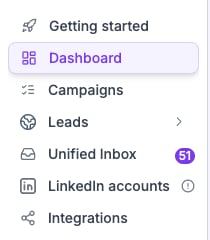
Attention pill in the sidebar shows anything that needs a look.
How it works
Checked at connect
The first check runs when you connect a mailbox.
Re-checked daily
A nightly job retests every mailbox so a broken record shows up fast.
Re-check on demand
Select Recheck in the mailbox modal after you update your DNS.
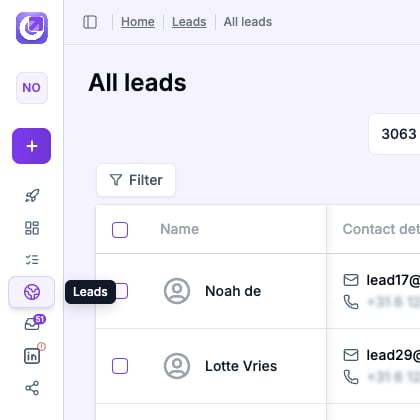
The attention flyout lists every mailbox that needs fixing.
See what to fix
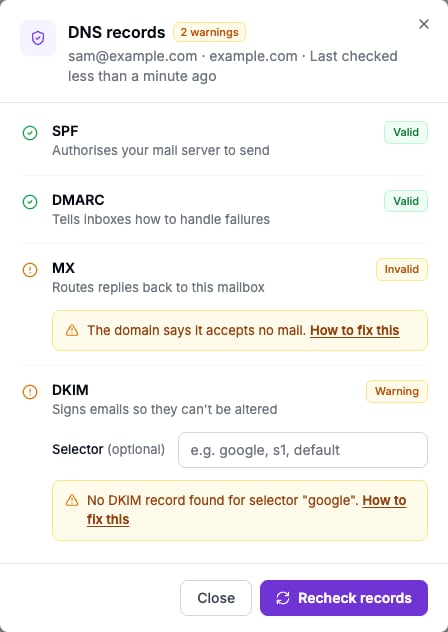
Open any mailbox with a warning and the modal names the record and shows the fix. Copy the value and paste it in your DNS host.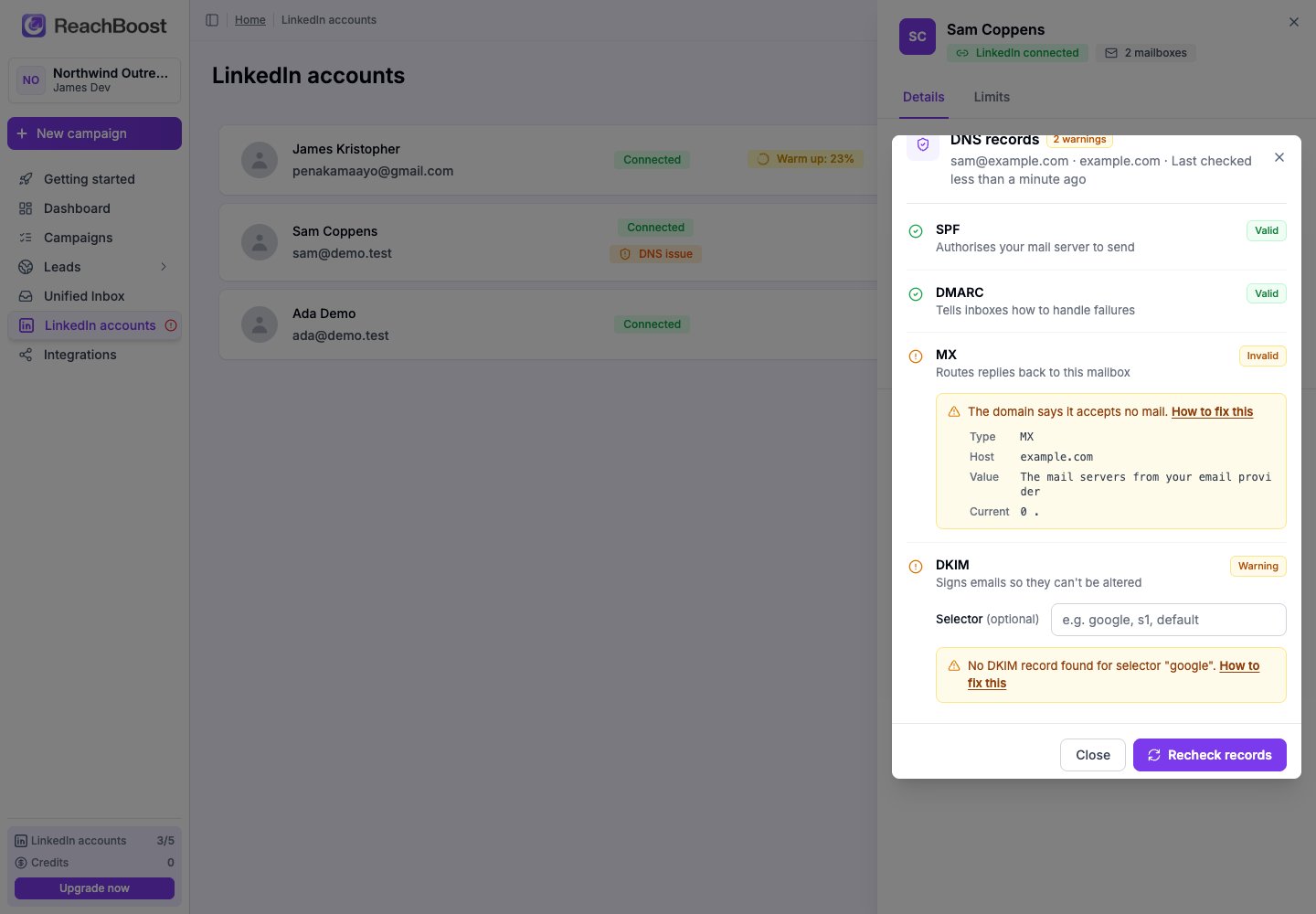
The modal names the record and gives the fix.
Recheck after a change
After you add or change a record, select Recheck now. DNS changes usually show up in a few minutes.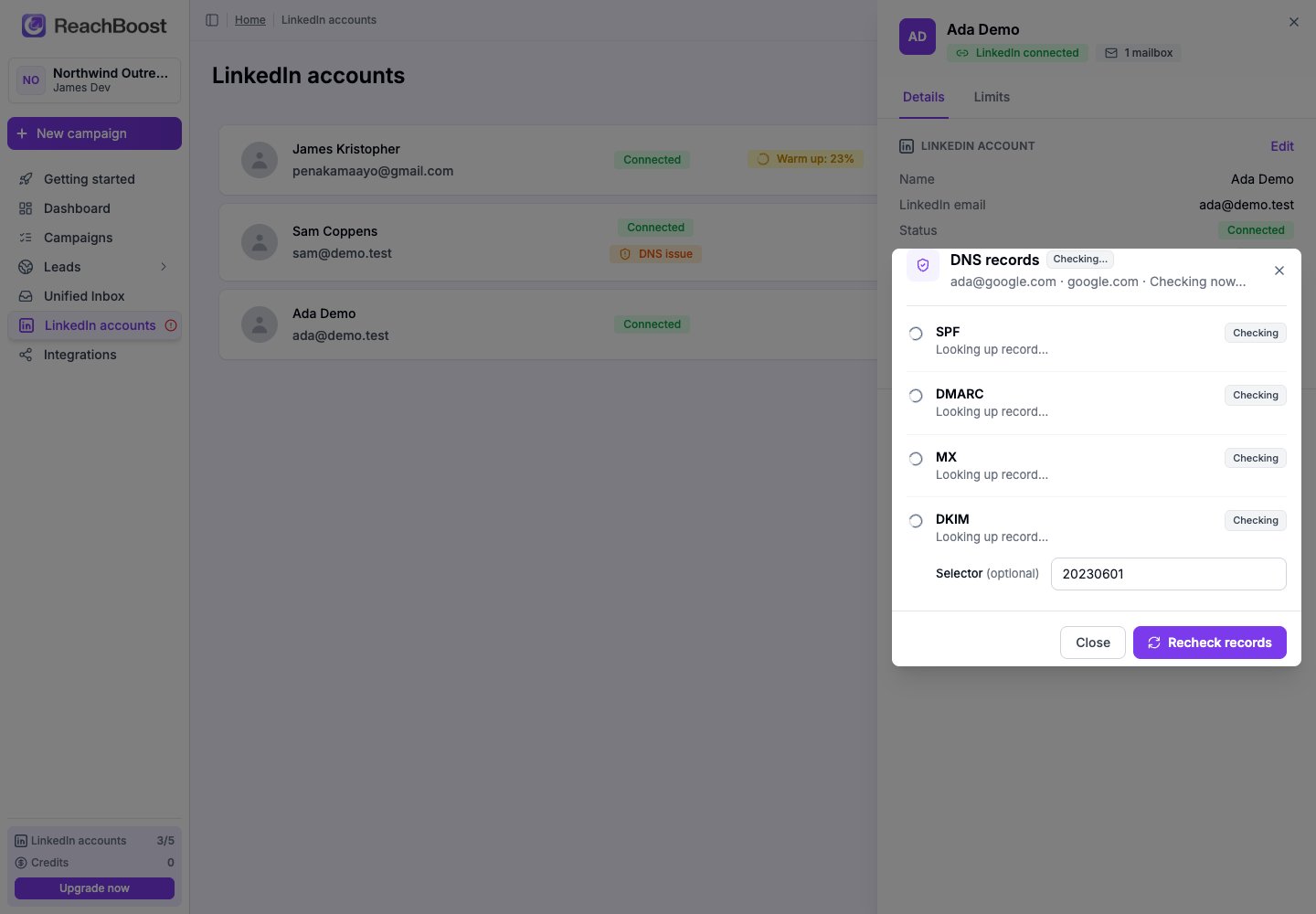
Recheck spinning while DNS is read again.
All three records OK.
What each record does
The checks are read-only: ReachBoost never changes your DNS. We only look it up and tell you what’s missing.