Preview what a lead will see
Every message step in the flow builder has a new Preview button. It opens a modal, picks the first three leads in the Start step’s lead list, and renders the step with the real variables filled in, so you can catch an empty personalization or a strange fallback before anything sends.Works for Connection request, Follow-up message and Email steps. Pick a different lead from the lead picker when you want to.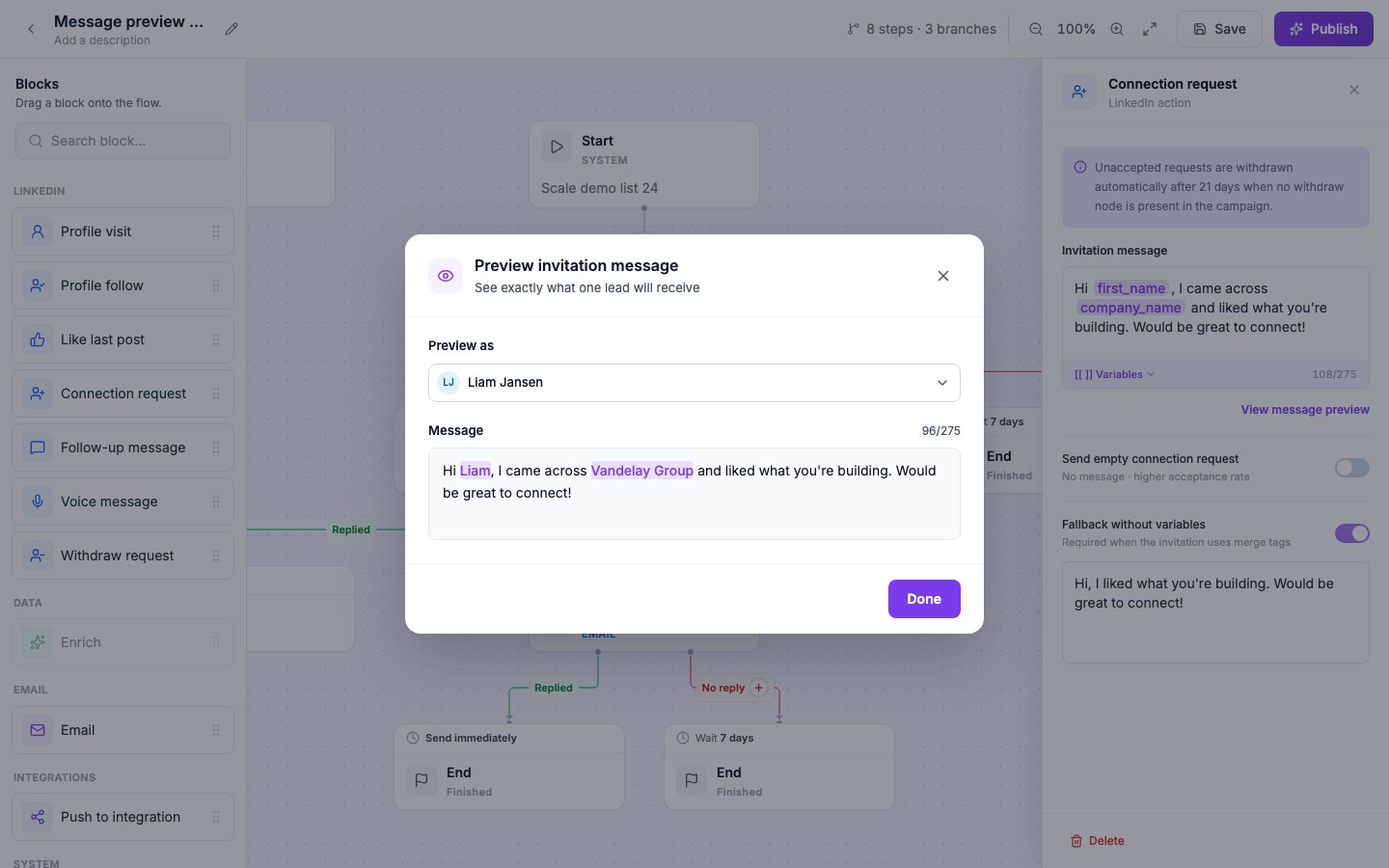
Mailbox DNS check
Every connected mailbox is now checked for SPF, DKIM and DMARC at connect and then once a night. Anything that would land you in spam shows up as an attention pill in the sidebar, in the mailbox row, and in the campaign editor, with the exact record to copy into your DNS host.
Tasks that need a reply today
The Inbox has a new Today tab that lists every lead-note task whose date is today or already past, in the lead’s own timezone. The Inbox icon in the sidebar carries a dot as soon as a task becomes due.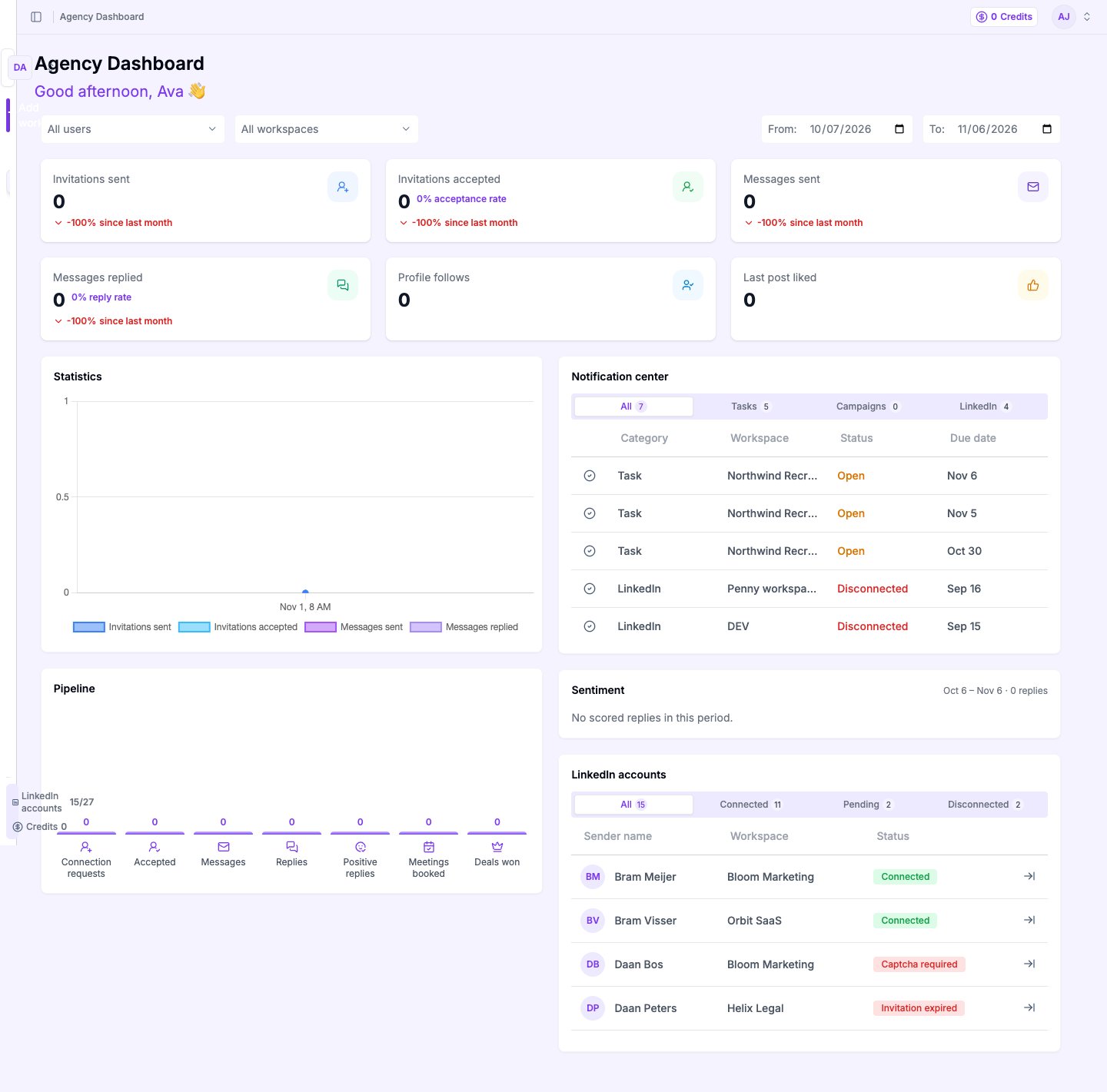
Faster everywhere
- Flow builder: opening the Sequence tab or creating a flow campaign no longer reloads the whole page. The builder opens in place.
- Dashboard, Inbox and Leads: pages show their layout straight away and fill in each section as it loads, instead of waiting for everything.
- Campaign names: names cut short in the campaigns table show in full when you hover over them.
Out of office emails no longer stop your flow
Before, any email back from a lead counted as a reply and stopped the flow for them, even “I’m out of the office until Monday”.Now an AI check reads each email first and tells a reply from an Automatic reply. An Out of office with a return date holds the lead until the day after they’re back, then the flow carries on.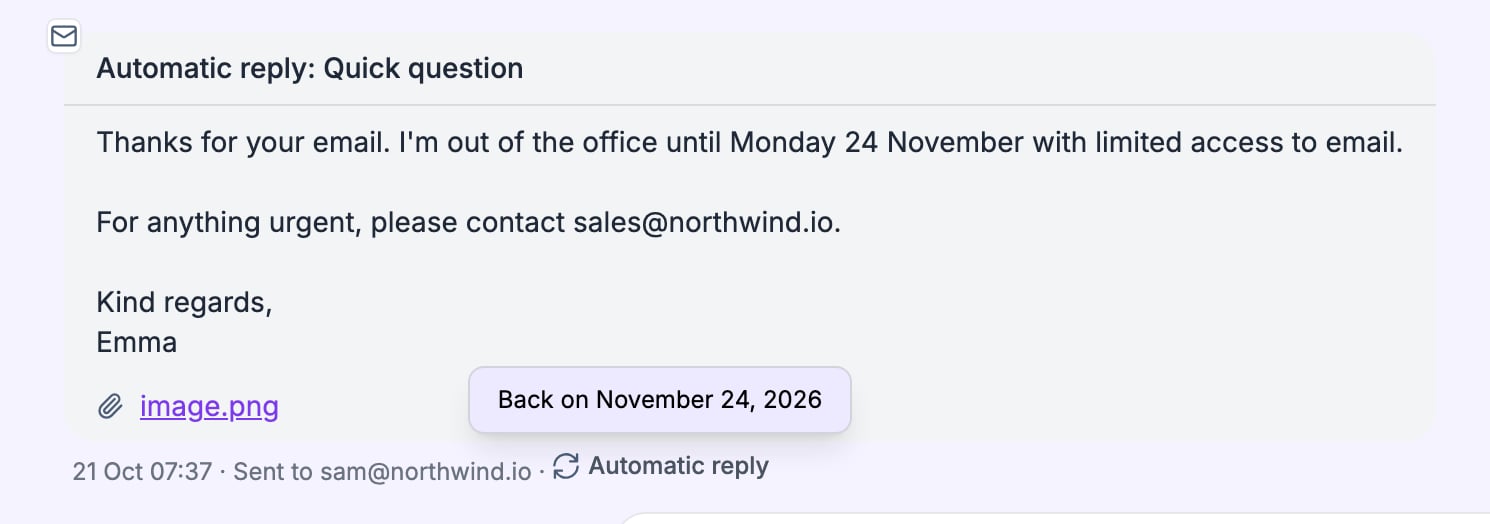
How automatic replies work →
See how leads move through your flow
Once a campaign is running, each step between Start and End shows how many leads it ran for, how many failed, and how many are waiting. Connection requests also show how many are awaiting acceptance. Hover over any number to see what it counts.Read about lead progress →Also in this release- Agency tasks: tasks stay on the Tasks tab until they’re done. Due and overdue tasks come first, then upcoming ones, soonest first.
Start a campaign from a flow template
Open a template link and ReachBoost creates a draft campaign with all its steps in place. Pick your LinkedIn accounts and lead list, complete any integration settings the template leaves open, and publish.Also in this release- Warm-up: when a mailbox disconnects or a subscription lapses, its warm-up is suspended and keeps its progress. It picks up where it left off once the mailbox is back.
Send LinkedIn voice messages from a flow
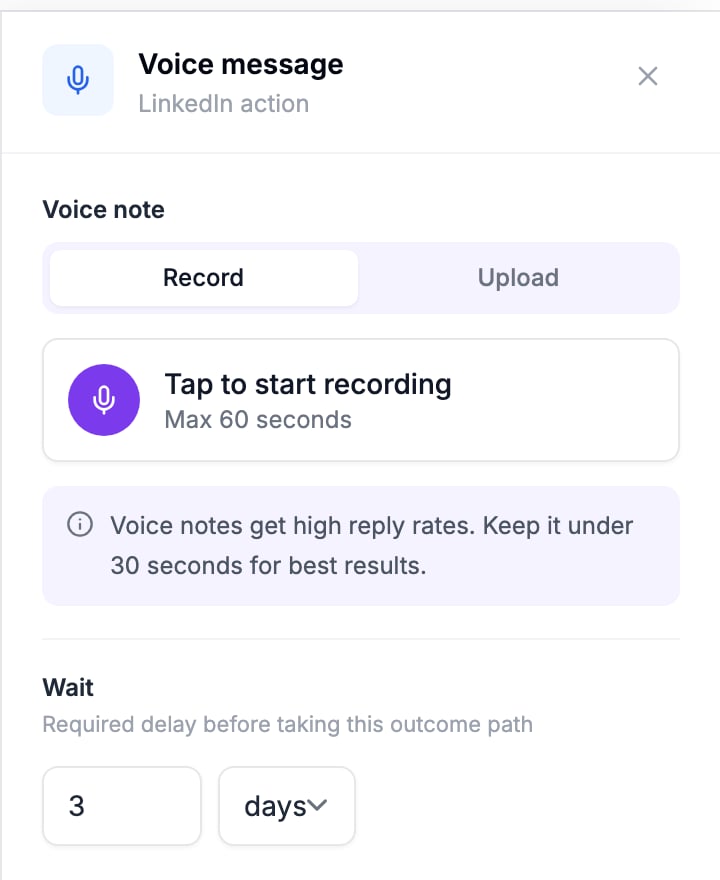
The new Voice message step sends a native LinkedIn voice note, the same kind people send from the LinkedIn app. Record in your browser or upload a file, up to 60 seconds, trim it, and save.