

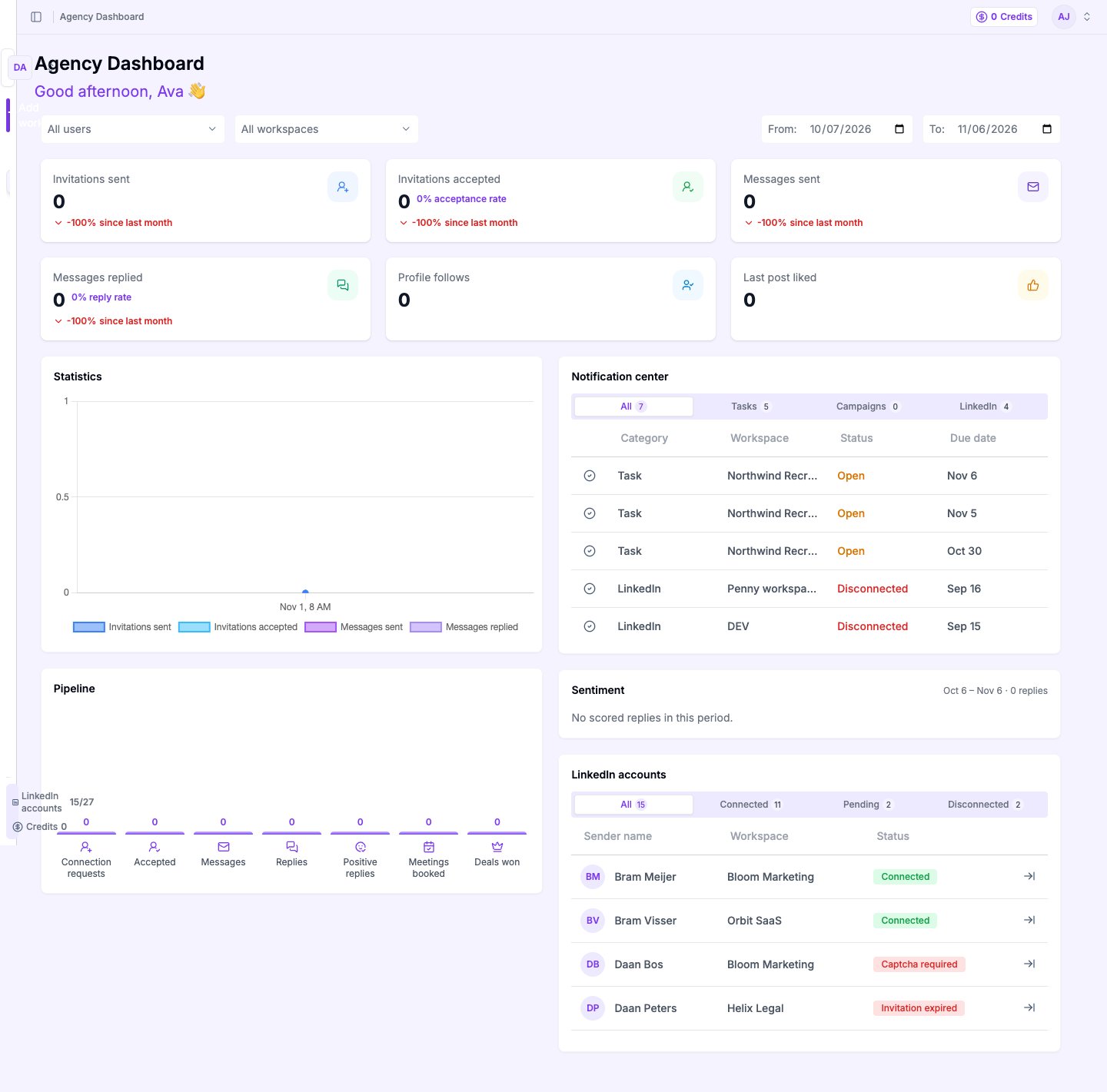
The Today tab, sorted by the most recent change.
Open a task
Select the row. The drawer opens with the lead, the note and a quick action to reschedule or mark the task done.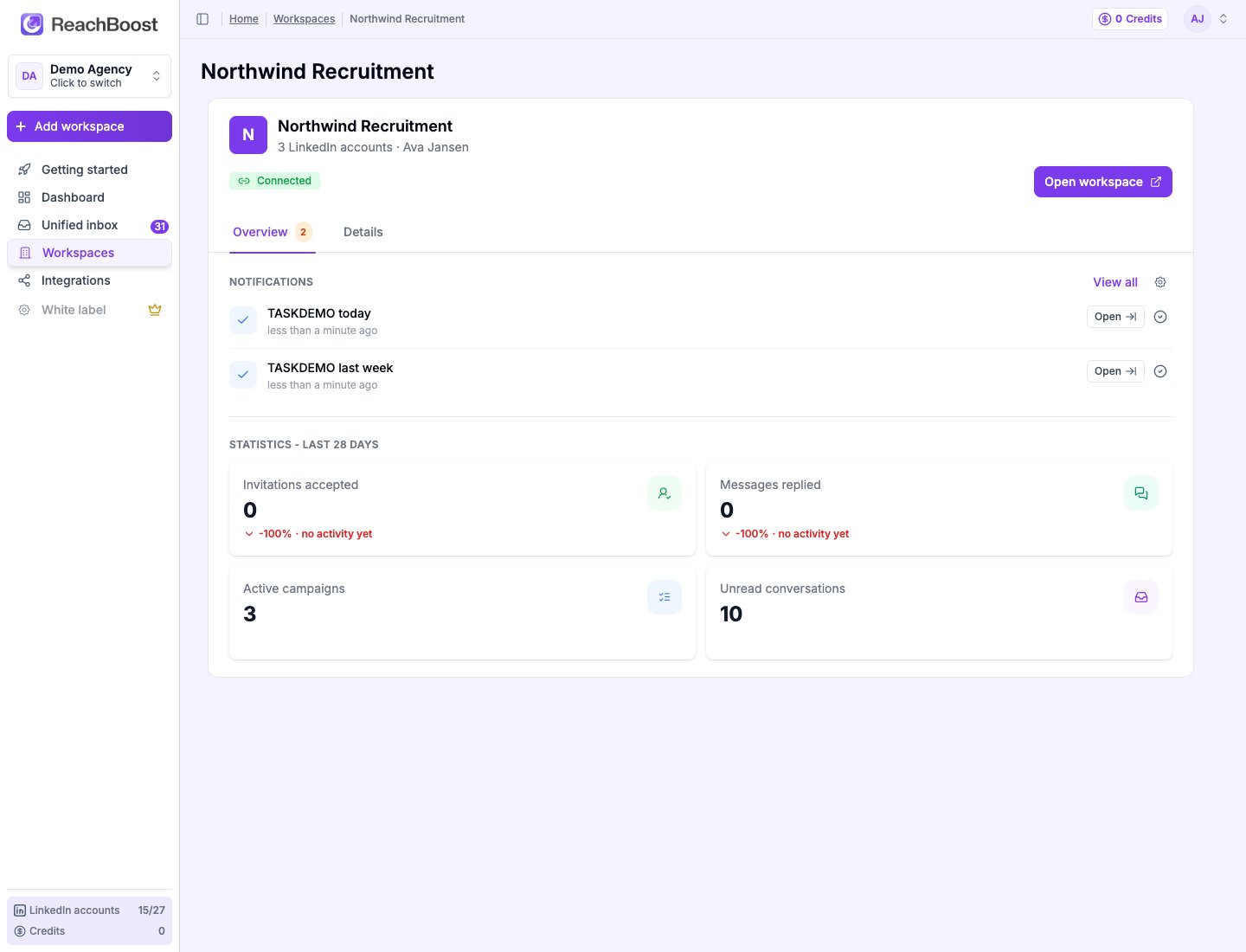
The task drawer shows the note, the due date and the lead.
Notifications
A task that becomes due shows a dot on the Inbox icon in the sidebar and adds a row to Attention. The dot clears when the tab is empty.How dates are picked
- A date you set on the note is used as is, in the lead’s timezone.
- No date on the note: the task shows up on the day the note was added, if a follow-up was scheduled by a flow step.
The Today tab is a reader of tasks; it does not create any. Notes keep being added from the lead drawer and from flow steps.